
Turn any Claude conversation into a diagram
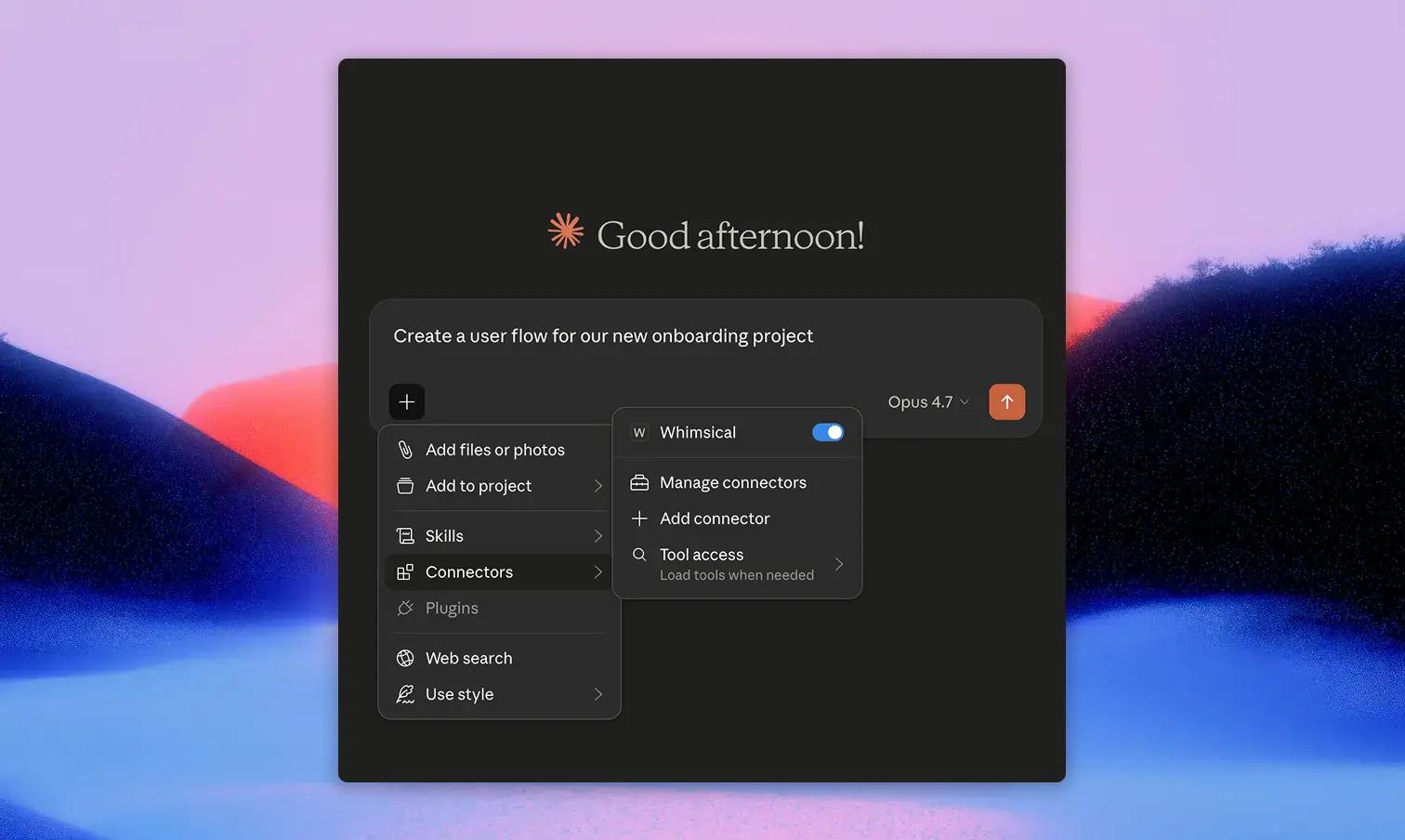
Connect Soulanma to Claude and turn any conversation into a flowchart, mind map, sequence diagram, or wireframe, without leaving the chat. Ask Claude to map a process, summarize a doc as a mind map, or sketch a wireframe from a description, and the boards appear directly in your Soulanma workspace.
Works in both Claude web and the Claude desktop app.
Download the MCP installer for Claude Desktop here, and double click the downloaded file to install. Make sure the Soulanma desktop app is installed and running.

